Everyday use
Stats
See your screen time, breaks and app usage, all calculated on your Mac.
Pauselle keeps simple, local statistics so you can see your rhythm over time. Nothing is uploaded.
Quick Look → Stats
The Stats tab in Quick Look shows one day at a time:
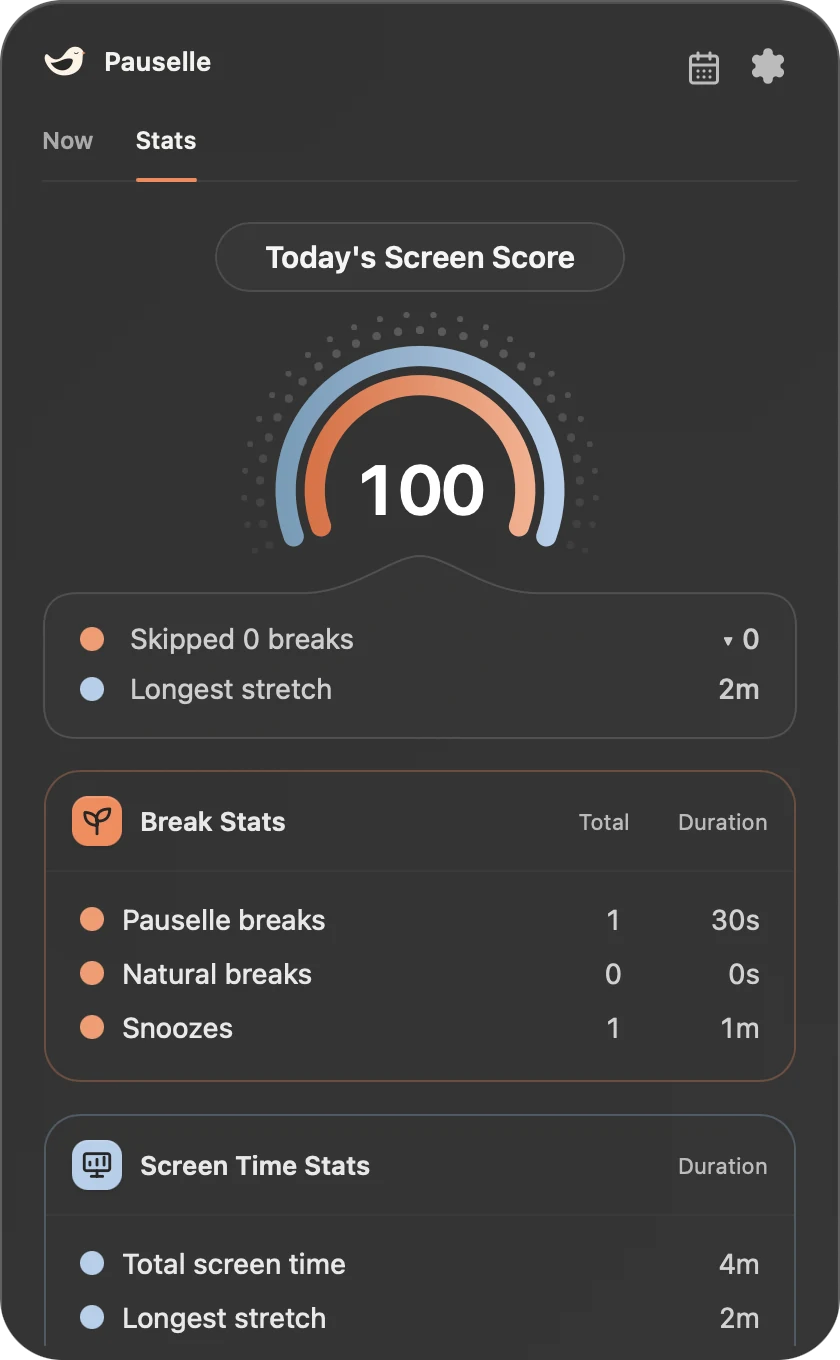
- Screen Score: your break score for the day. It starts at 100 and loses 4 points for every skipped break. No score is shown until a break is completed or skipped. Your longest stretch without a break is shown for context but doesn’t cost points.
- Break Stats: breaks completed and skipped.
- Screen Time Stats: total screen time, your typical stretch and the apps you used most.
Use the arrows to move between days.
Settings → Stats
Settings → Stats has three sections.
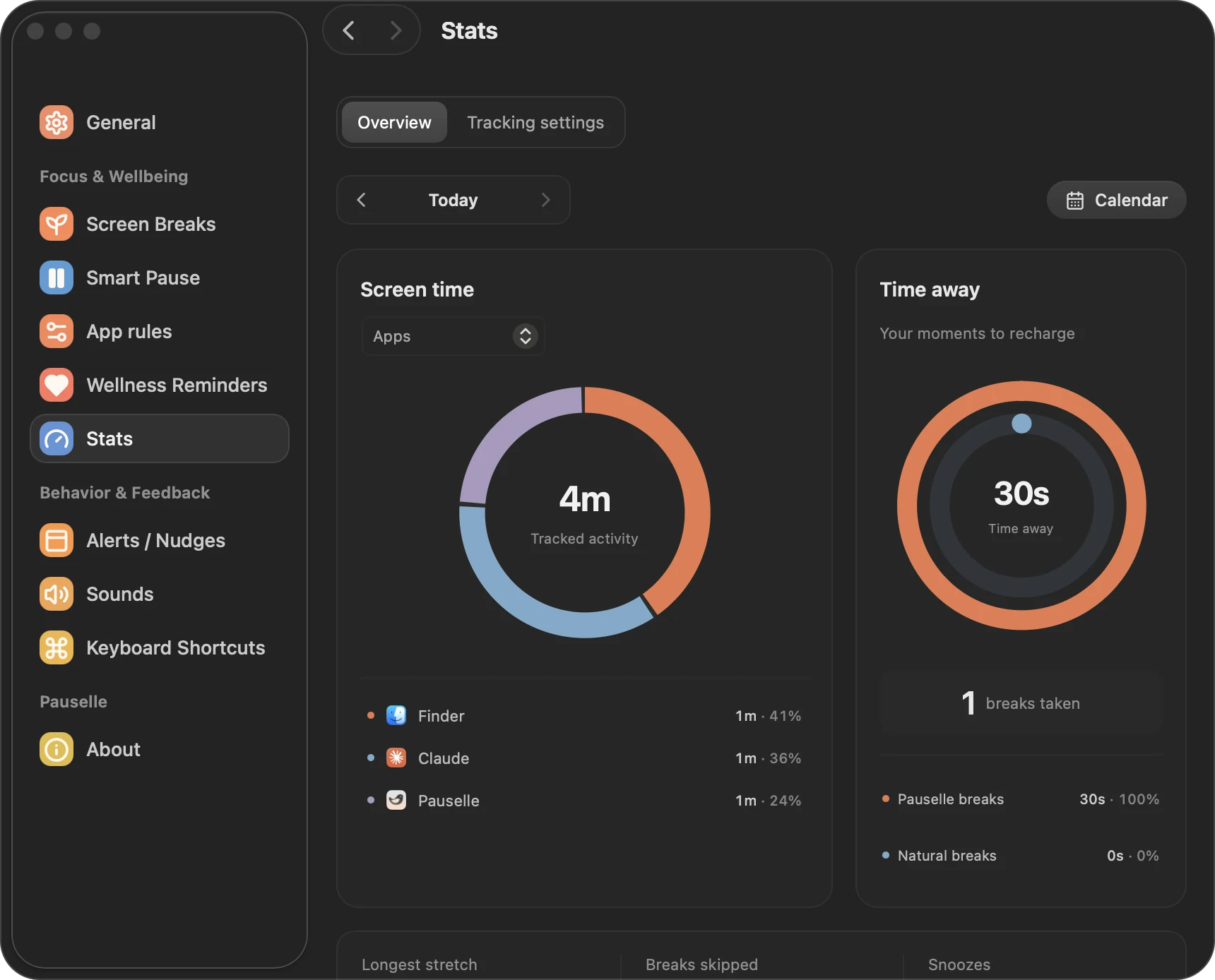
Overview
- Screen time and a usage breakdown by app and, if enabled, by website.
- Break time breakdown: time away, breaks taken, longest stretch, breaks skipped and snoozes.
- Pick any date with the calendar button.
Calendar
A month view of your rhythm. Orange shows your break score (out of 100). Blue shows screen time compared with the busiest day of that month. Hover over a day for details.
Tracking settings
- Track app activity (on by default): collects active screen time and app usage on your Mac. Website stats also need this.
- Website usage stats: turn on Chrome and/or Safari. macOS may ask you to allow Pauselle to control the browser. Pauselle reads only the domain of the active tab (for example
github.com); paths, queries, page content and browsing history are never stored. Only time in the browser while it is in front is counted. Private or incognito tabs can’t be told apart, so leave a browser off if you don’t want those domains counted. - Combine apps and websites stats: show apps and websites in one list, sorted by time.
How screen time is counted
- Screen time is active app time while Pauselle is running.
- A natural break starts after 5 minutes without keyboard or mouse input.
- Time while your Mac sleeps is not counted.
- Turning off app tracking stops new data from being collected; existing history stays until you delete it.