Everyday use
Keyboard shortcuts
Control Pauselle from anywhere with global keyboard shortcuts.
Global shortcuts work in any app. Find them in Settings → Keyboard Shortcuts.
Turn shortcuts on
Turn on Enable global keyboard shortcuts. Shortcuts are off by default.
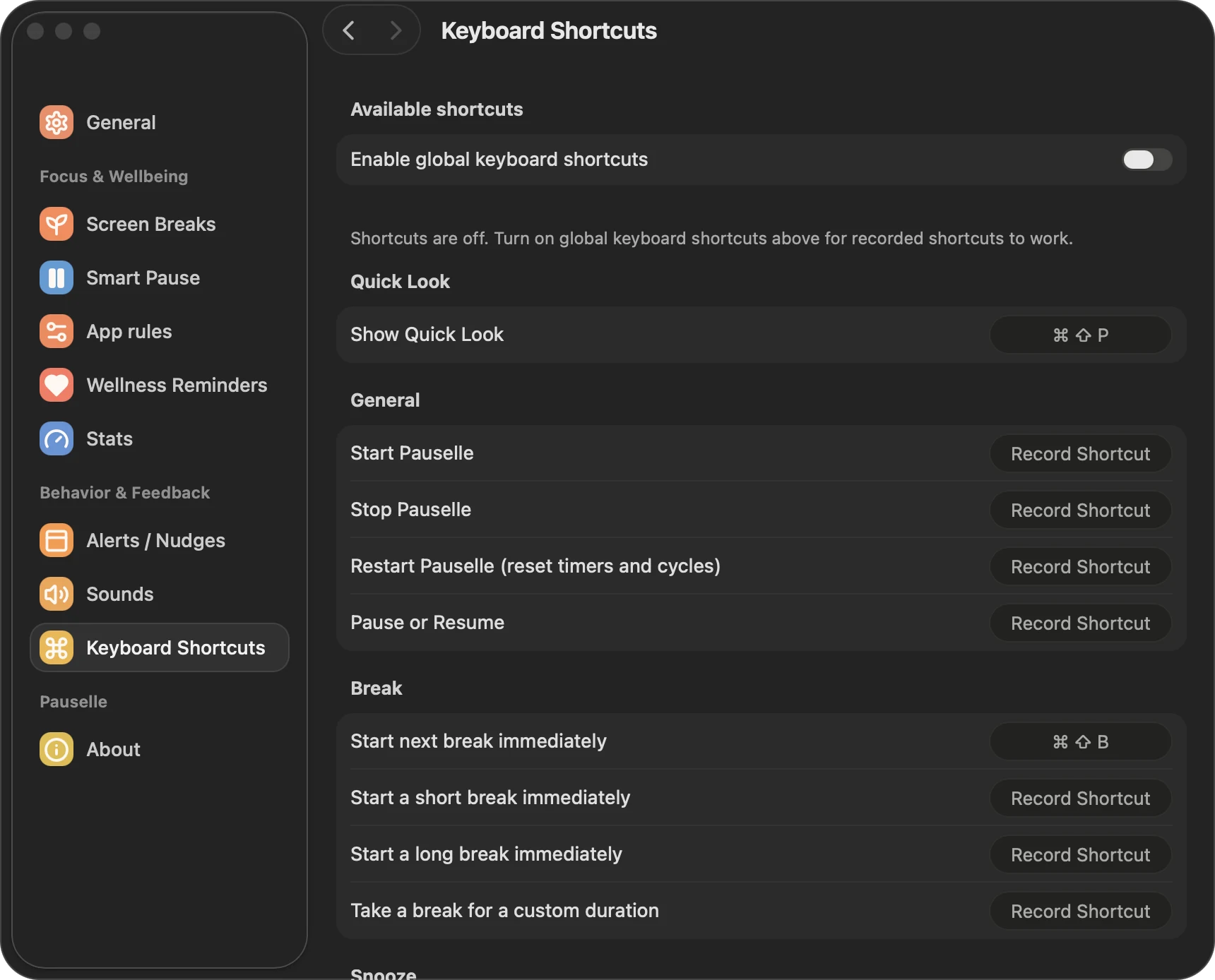
Available shortcuts
| Action | Default |
|---|---|
| Show Quick Look | ⌘ ⇧ P |
| Start next break immediately | ⌘ ⇧ B |
| Start Pauselle | — |
| Stop Pauselle | — |
| Restart Pauselle (reset timers and cycles) | — |
| Pause or Resume | — |
| Start a short break immediately | — |
| Start a long break immediately | — |
| Take a break for a custom duration | — |
| Snooze upcoming break by 1 minute | — |
| Snooze upcoming break by 5 minutes | — |
| Snooze upcoming break by 15 minutes | — |
Record a shortcut
- Click the recorder next to an action. It shows Press shortcut…
- Press the key combination you want.
- Esc cancels, and Delete clears the shortcut.
Each shortcut needs at least two modifier keys, such as ⌘ ⇧ or ⌃ ⌥. A single-modifier combo like ⌘ S would take that key away from every other app.
Shortcuts are saved on your Mac and restored when Pauselle opens. If a combination is already taken, Pauselle tells you and keeps your previous shortcut.
Snooze shortcuts follow your snooze limits, and in Hardcore mode skip and snooze are not available.